
You have several pages in Microsoft 365 Copilot related to the research you are doing for a new product.
You need to simplify your ability to have many different Copilot conversations about the pages.
What should you do first?
Correct Answer:
B
While Microsoft 365 Copilot does not have a single "merge" button for multiple chat histories, you can effectively consolidate different conversations into a single entity using these primary methods:
* 1. Use Copilot Pages for Dynamic Consolidation
Copilot Pages is the most robust way to build a single "source of truth" from multiple chats.
Add Responses: Below any Copilot response, click the pencil icon to create a new page or the drop-down arrow to add the response to an existing page.
Iterative Building: You can continue different chats and keep sending relevant outputs to the same page, effectively merging various threads into one organized document.
*-> 2. Leverage Copilot Notebooks
For projects requiring high-volume consolidation, Copilot Notebooks allow you to aggregate diverse sources.
Aggregate Sources: You can pull in OneDrive files, SharePoint documents, and even specific chat snippets.
Consolidated Output: Use a prompt like "Create an executive summary based on all references in this notebook" to generate one unified entity.
Reference:
https://techcommunity.microsoft.com/blog/microsoft_365blog/introducing-copilot-notebooks-a-whole-new-way-to-work-with-ai-in-onenote/4428626
HOTSPOT
While using Microsoft 365 Copilot, content is returned from a website. You need to verify the exact search query used to find the website. What should you use? To answer, select the appropriate options in the answer area.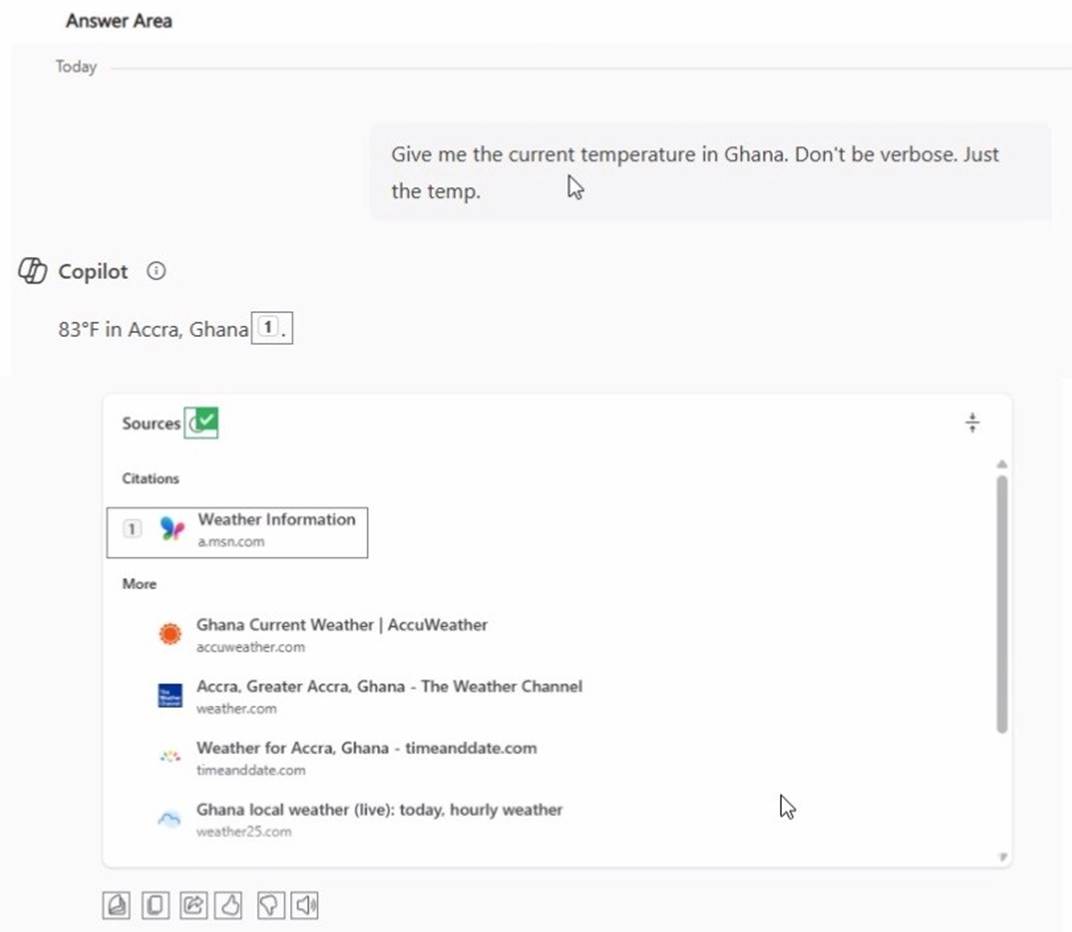
Solution: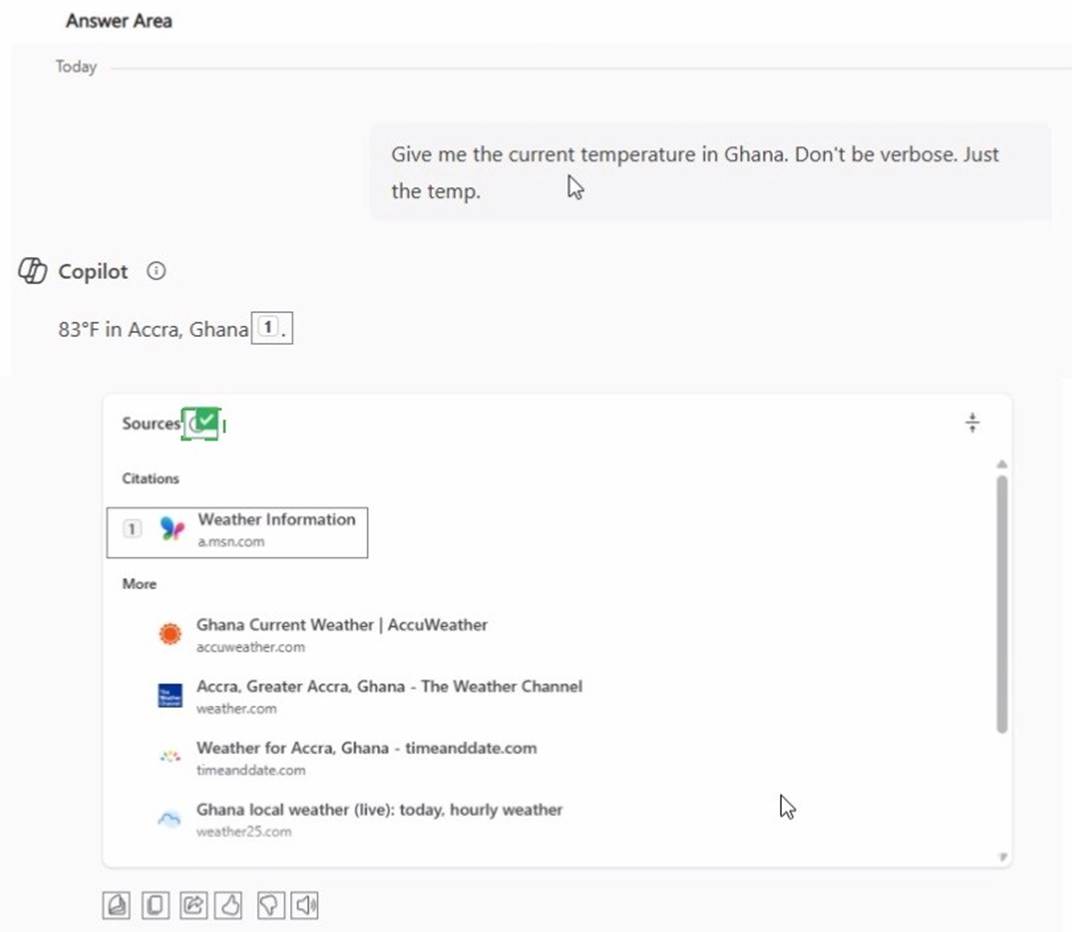
Does this meet the goal?
Correct Answer:
A
Select the answer that correctly completes the sentence.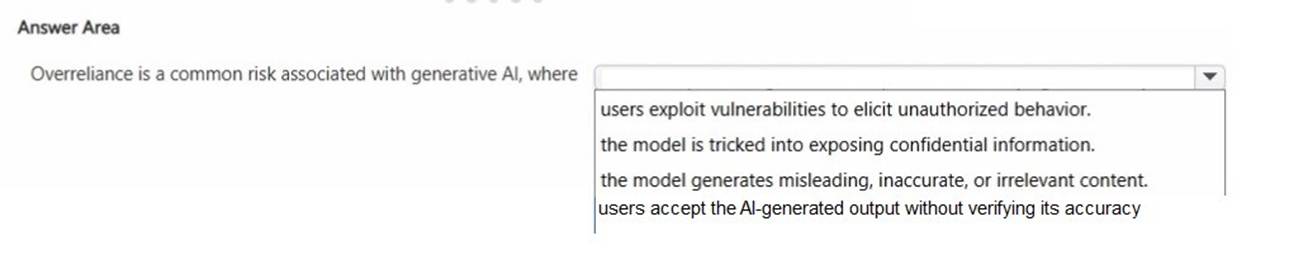
Solution: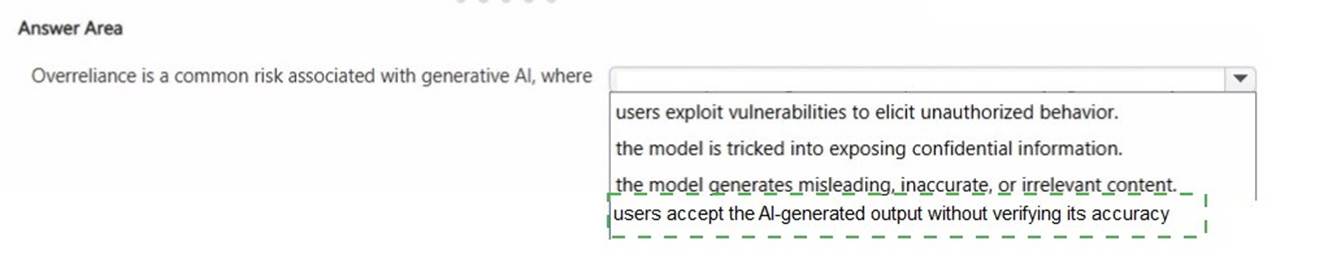
Does this meet the goal?
Correct Answer:
A